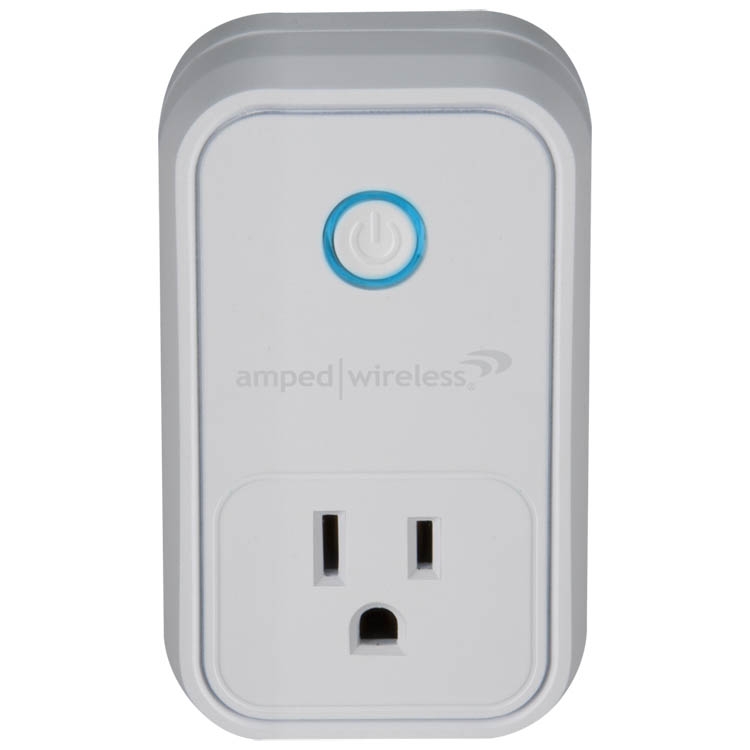
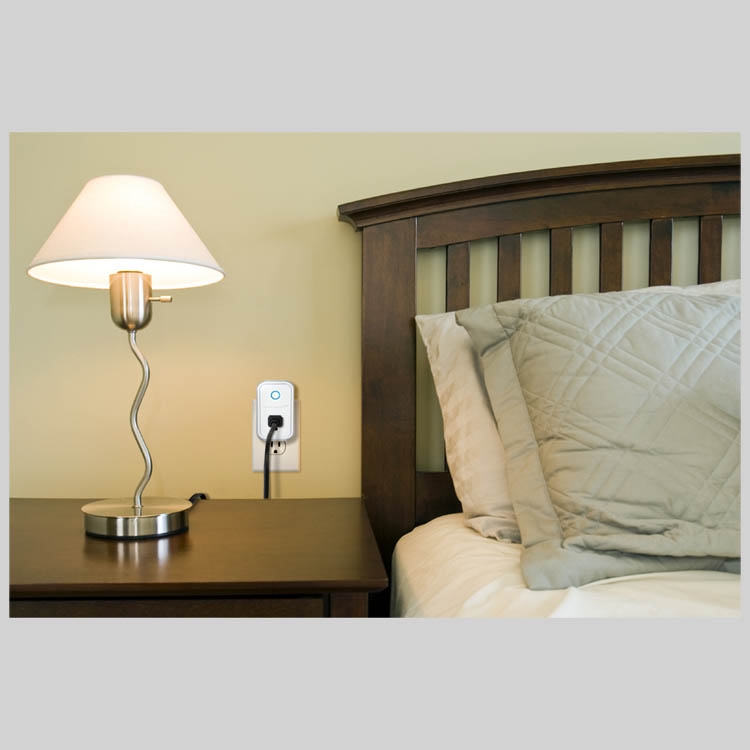
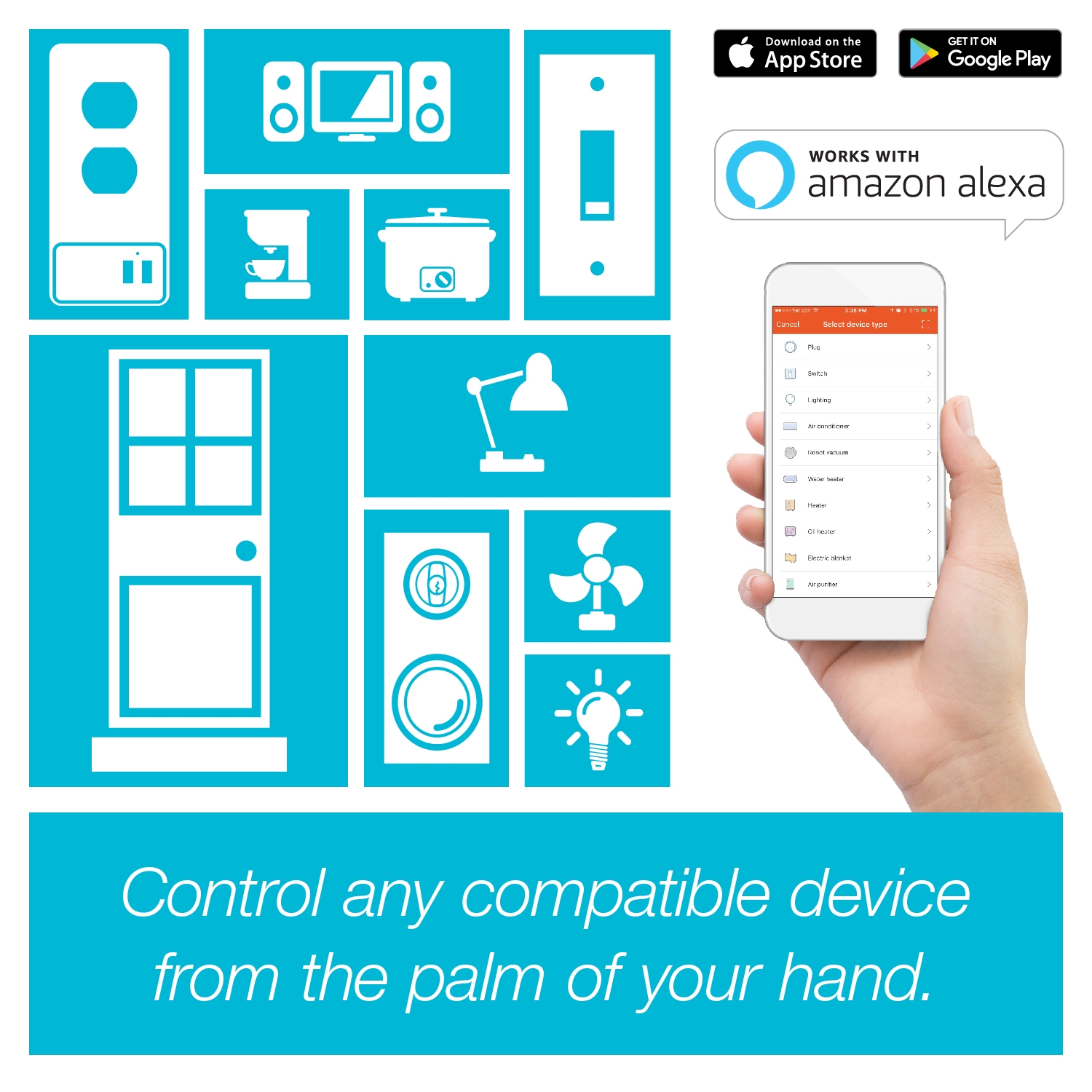
Simple to install and easy to use, you can pair this smart plug with Amazon Alexa or the Google Assistant to control your home with the sound of your voice. Create timers and schedules to automate your devices, add more smart plugs and program them together to create custom "scenes," and control it all with the sound of your voice or from the app when you're away.
Simple to install and easy to use, you can pair this smart plug with Amazon Alexa or the Google Assistant to control your home with the sound of your voice. Create timers and schedules to automate your devices, add more smart plugs and program them together to create custom "scenes," and control it all with the sound of your voice or from the app when you're away.
Simple to install and easy to use, you can pair this smart plug with Amazon Alexa or the Google Assistant to control your home with the sound of your voice. Create timers and schedules to automate your devices, add more smart plugs and program them together to create custom "scenes," and control it all with the sound of your voice or from the app when you're away.
If the app fails to connect to the Smart Plug, it will attempt to connect from your phone’s Wi-Fi settings menu. Android devices (as below) will do this automatically, Apple products will ask you to exit the app and go to Settings > Wi-Fi. After the connection is established, proceed as normal to finalize and begin using the Plug.
Timers & Schedules Create timers and schedules to automate your devices, even when you’re not there.
Custom Scenes Add more Smart Plugs and program multiple devices to work together. Create scenes like “morning” to turn on lights, radio, and coffee maker, or “goodnight” to turn off lights and entertainment center.
Voice Control Pair the Smart Plug with Amazon Alexa or Google Home to control your devices with your voice.
Browse the selections below to view support materials and troubleshooting tips. FAQs provide you with answers to frequently asked questions. The Download section provides you with firmwareupgrades or device drivers and other related software. To view the User's Guide for your product check out the Documentation section. If you are having problems finding what you need, contact us.








 KEY FEATURES