











 Range Extender Mode
 Network Bridge


 Firewall Range Extender Mode
 WDS-Bridge
 Plug the Range Extender / Bridge to a power outlet or Power Over Ethernet switch.
 Connect your computer to the Range Extender / Bridge
 Access the web menu and select your operational mode. The Basic Setup Wizard will walk you through the set up for your specific mode.

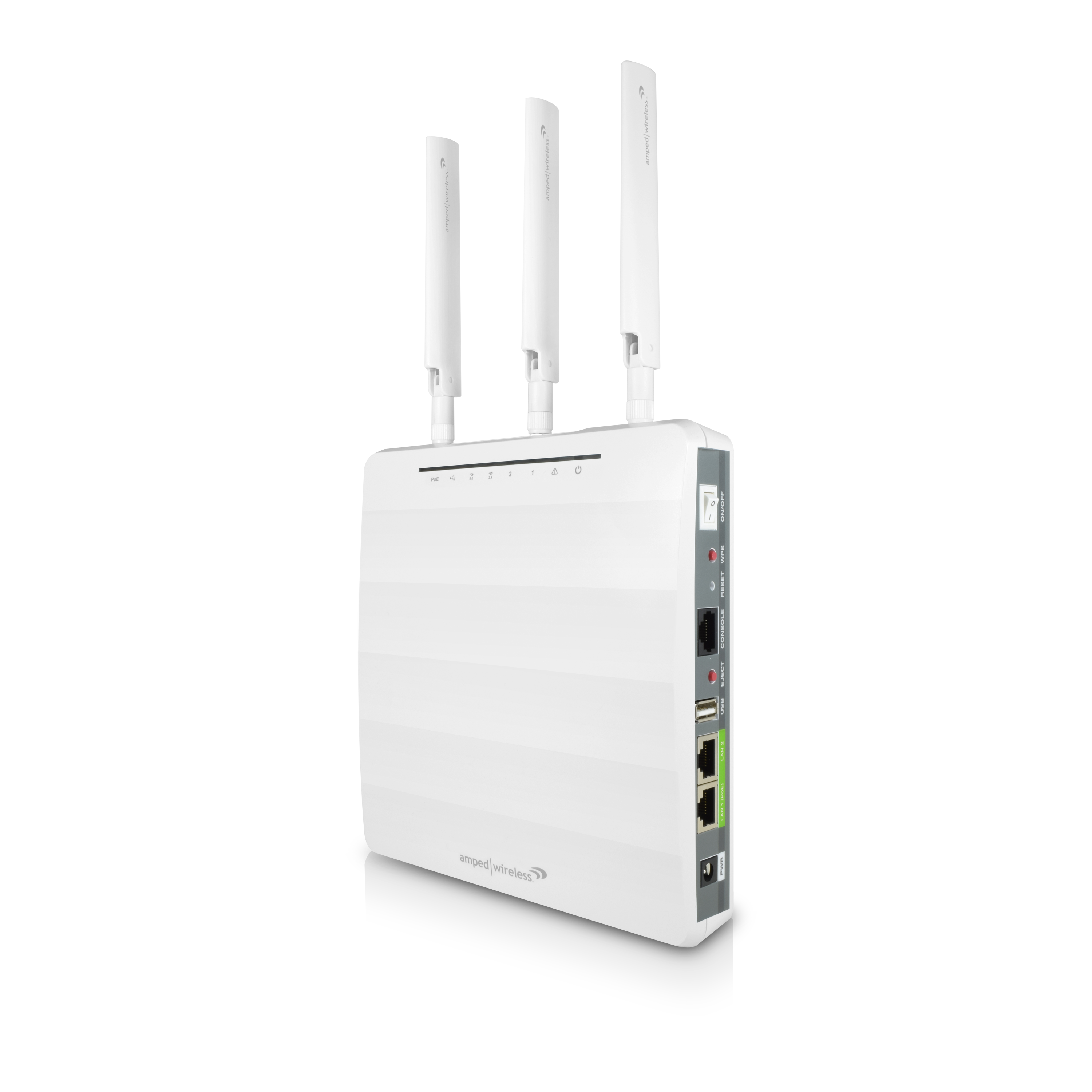
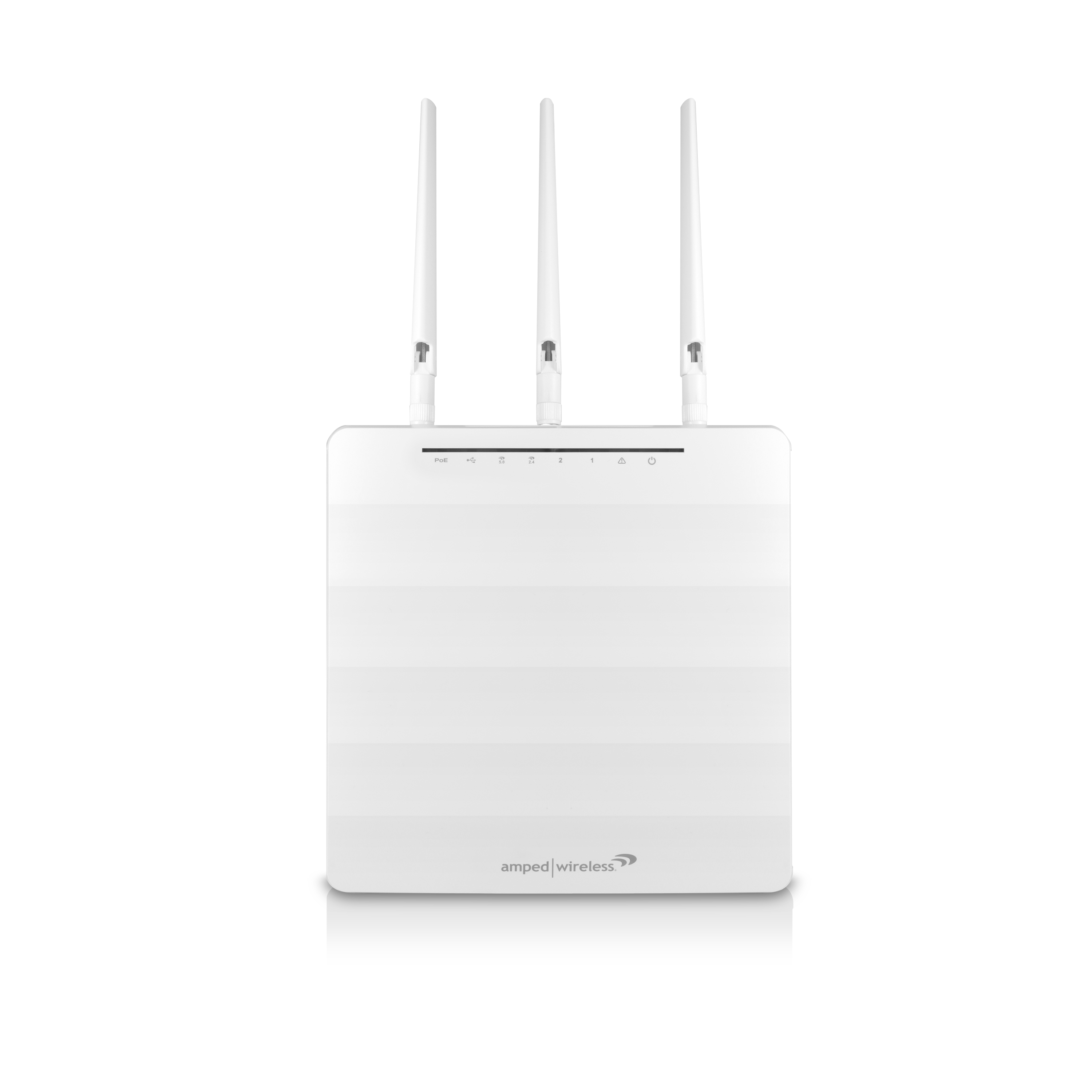
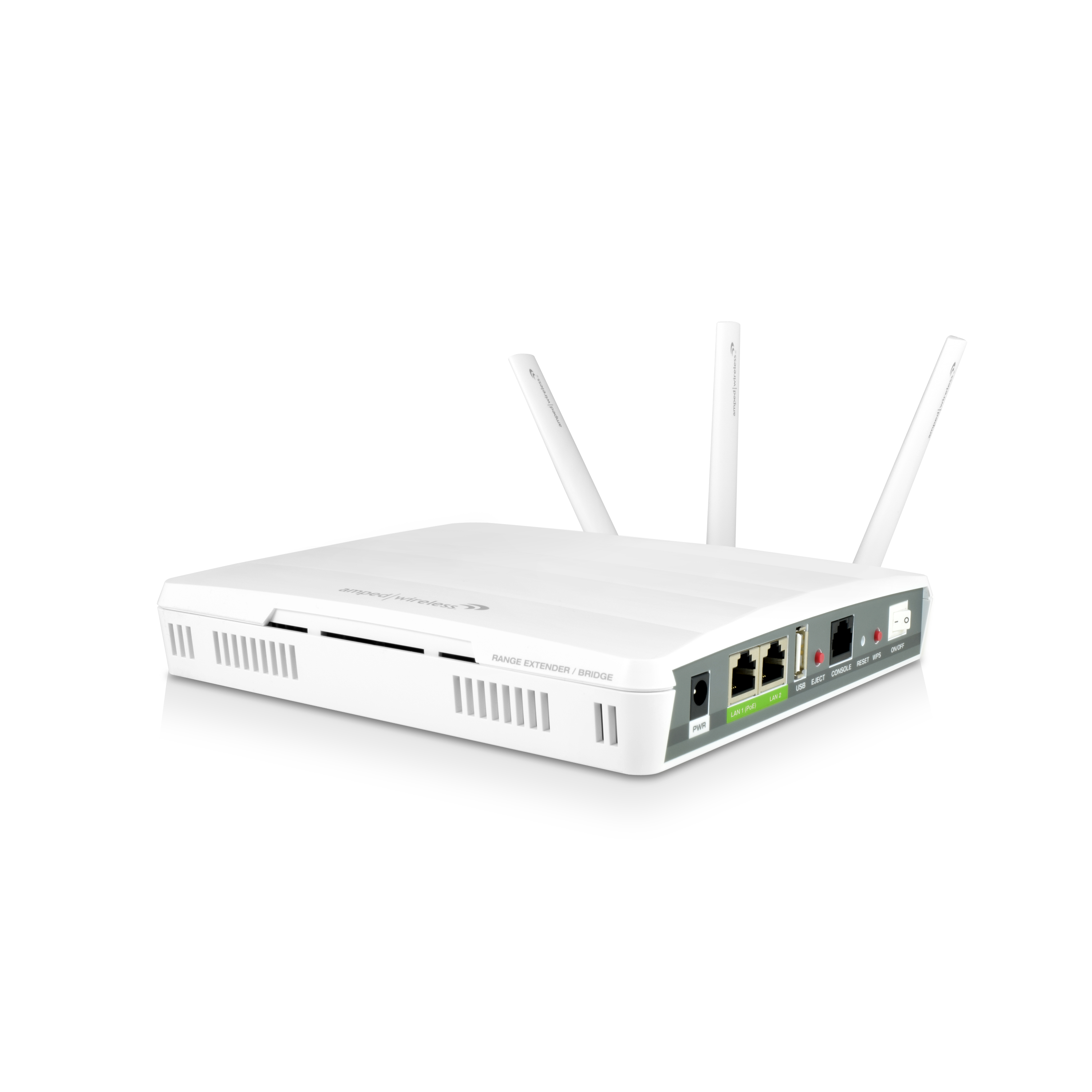
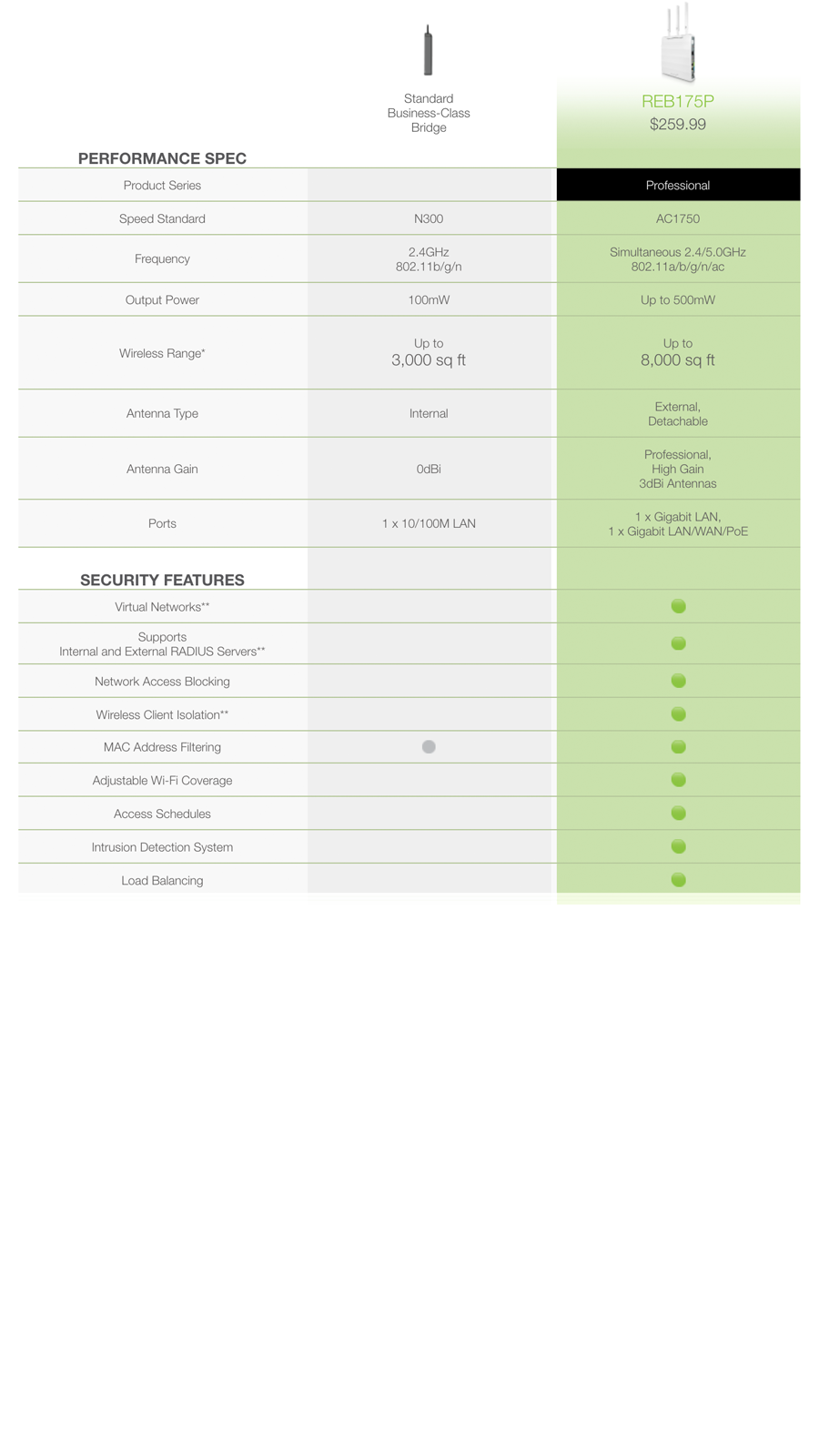
The ProSeries High Power AC1750 Range Extender / Bridge is a multifaceted, long range, business-class Wi-Fi Range Extender / Bridge with a unique set of 4 different modes. Range Extender mode allows it to extend the range of any existing Wi-Fi network. Firewall Range Extender mode extends the range of any Wi-Fi network and creates a secure firewall between the extended network and the existing network for added security. Network Bridge mode expands an existing network by connecting wirelessly to the network and providing two wired ports to expand the network. WDS-Bridge mode allows the REB175P to connect to an access point in WDS-AP mode to bridge the existing Wi-Fi network and provide additional wired ports to expand the network. The ProSeries AC1750 Range Extender / Bridge is equipped with twelve high power amplifiers and three high gain external antennas for up to 500mW of Wi-Fi output power. This combination of Amped Wireless High Power technology, paired with blazing-fast AC1750 Wi-Fi technology delivers unmatched range and speed performance. It features the highest quality components and is tested under the strictest standard to ensure reliability and performance under demanding business environments. The ProSeries Range Extender supports advanced security features with the ability to support up to 30 Wi-Fi networks, each with unique security and access configurations. Each Wi-Fi network features smart security features that allow for the isolation of connecting devices**, bandwidth restrictions, network access restrictions, VLANs**, max users settings, MAC filtering, access schedules and much more. The two gigabit ports on the REB175P feature customized VLAN settings** and bandwidth controls and Intrusion detection systems. Firewall Range Extender mode provides support for additional features such as Internal and external RADIUS servers**, port forwarding, port filtering, DMZ and other router based features such as network address translations. Deploying the ProSeries High Power Solutions is simple with Power over Ethernet support and magnetic or wall based mounting options. ** VLANs, RADIUS Servers, and Wireless Client Isolation are available in Firewall Range Extender mode only.
12 Powerful Amplifiers: Up to 8,000 sq ft of Wi-Fi Coverage
The REB175P is jam-packed with high power technology. With a total of 12 advanced amplifiers and 3 high gain antennas, it delivers up to 8,000 sq ft of extended Wi-Fi coverage.
Penetrate Walls & Eliminate Dead Spots
Add long range Wi-Fi access to your office or business with the REB175P. High Power amplifiers, low noise amplifiers and three high gain antennas provide unmatched Wi-Fi power and coverage. Providing maximum range, it easily penetrates walls and eliminates Wi-Fi dead spots.
Blazing-Fast AC1750 Wi-Fi Speeds
Next generation 802.11ac Wi-Fi technology provides Wi-Fi speeds up to six times faster than 802.11n. Making it an ideal device for instant transfers of large files and buffer and lag-free HD video streaming onto multiple devices at once. AC1750 Wi-Fi speeds provide up to 450Mbps 2.4GHz connections and up to 1300Mbps 5GHz connections, simultaneously.
Universal Compatibility
The Range Extender works with all brands of standard single band (2.4GHz) or dual band (2.4GHz and 5GHz) wireless routers and service provider gateways. The REB175P simultaneously extends both 2.4 and 5GHz networks to deliver maximum wireless speed and bandwidth.*
More Bandwidth for More Devices
The REB175P combines AC1750 Wi-Fi speeds with Amped Wireless' High Power Technology to provide multiple room, blazing-fast Wi-Fi coverage. The increased bandwidth of AC1750 Wi-Fi means seamless support for businesses with many simultaneous users.
Multiple Operational Modes = Versatility
The REB175P features support for up to five operational modes: Range Extender mode, Firewall Range Extender mode, Network Bridge mode, and WDS-Bridge mode.
Create up to 30 Unique Wi-Fi Networks
Each Range Extender can support up to 30 Wi-Fi networks each with its own unique network ID, security settings, bandwidth restrictions, VLAN settings**, load balancing features, and/or MAC filtering rules and more (VLAN available in Firewall Range Extender mode only).
Robust Access Controls & Schedules
Take full control of your network by setting schedules for when Wi-Fi is enabled or disabled, restrict user access via MAC address, virtual networks, RADIUS servers** (Firewall Range Extender mode only) and more.
Smart, Advanced Wi-Fi Security Features
Lock down your Wi-Fi networks by restricting access to the Internet only, blocking access to other network devices and isolating devices** connecting to the same Wi-Fi network.
Advanced Analytics & Logs
Access charts and graphs for the Range Extender / Bridge with data regarding network data, CPU usage, memory and more.
Smart Gigabit Ports with Power over Ethernet
Customize and secure the gigabit wired ports with VLAN settings** and bandwidth restrictions. Features one Power over Ethernet port for easy installations (VLAN available in Firewall Range Extender mode only).
IDS: Intrusion Detection System
Monitor network activities for malicious activities and connection violations. Block devices that repeatedly fail to connect. Be notified via email of failed login attempts.
Intuitive Installation Features: Magnetic Mounting & PoE
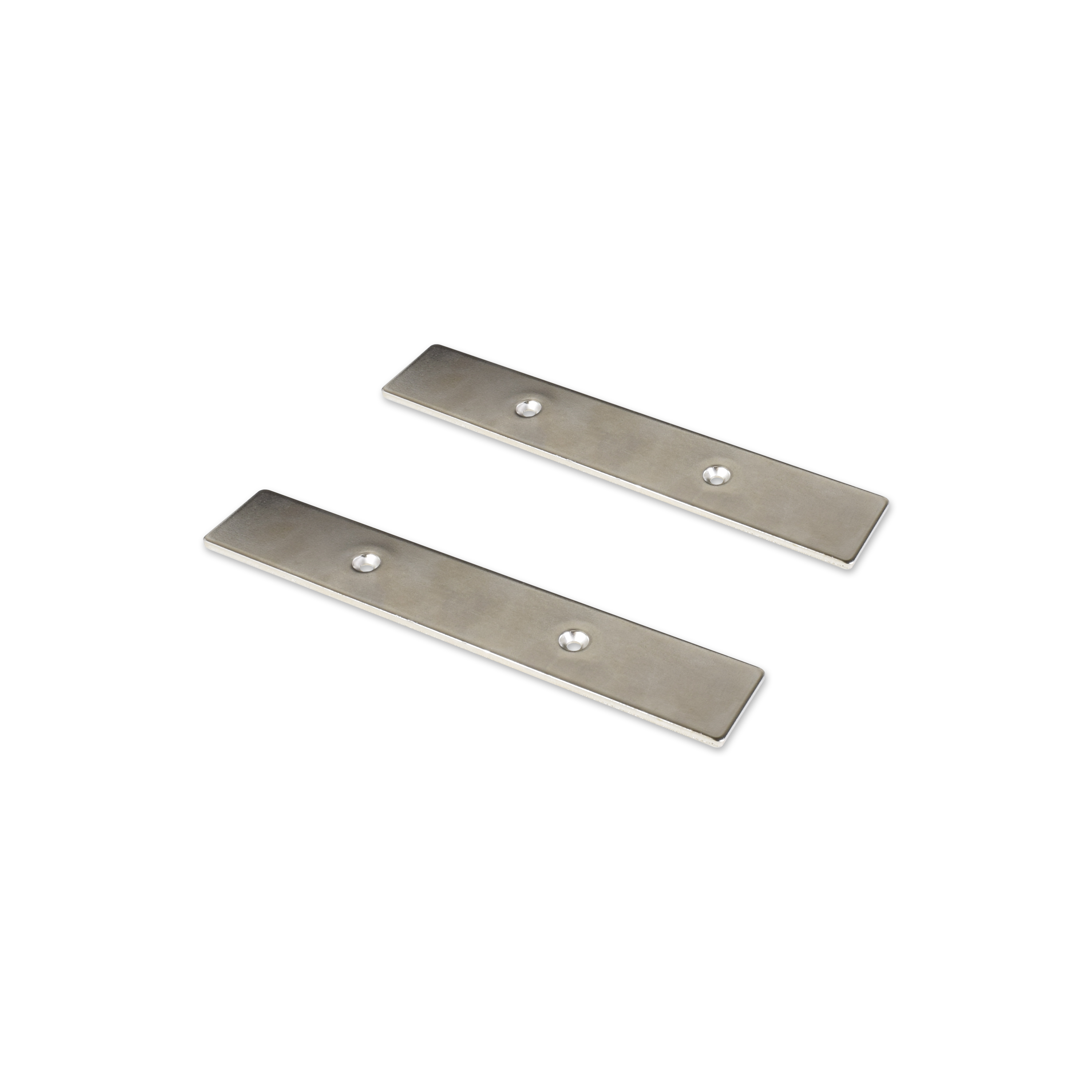
Features four magnetic mounts on the bottom of the device that allow it to attach to any metal surface or use the included metal brackets (mounting template included) to easily mount the Range Extender to any flat surface. Power over Ethernet, audible buzzers and LED controls make installation and troubleshooting easy.
Simple Plug & Play Setup Features
Getting started is simple. The REB175P features Basic Setup Wizards to guide you through the initial setup of each operational mode.
Business-Class Security Features
Virtual Networks
Set up VLANs** and isolate Wi-Fi networks, devices and wired ports (VLAN available in Firewall Range Extender mode only).
Internet Access Restrictions
Restrict specific Wi-Fi networks to only have Internet access and not network access.
Wireless Client Isolation**
Prevent Wi-Fi devices connected to the same network to communicate with one another.
Load Balancing
Limit the number of devices that can connect to a single SSID/network.
MAC Address Filtering
Restrict or allow access to the network via MAC Address.
Wi-Fi Coverage Controls
Limit the coverage size and output power of your Wi-Fi networks.
Access Schedules
Set schedules for when Wi-Fi is enabled or disabled.
Intrusion Detection System (IDS)
Monitor network activity for malicious activity and connection violations. Block devices that repeatedly fail to connect and be notified of intrusion events.
Audible Alarm & LED Settings
Easily identify the location of the Range Extender with an audible alarm or make the Extender discreet by turning off the LED indicators.
RADIUS Servers**
Support for external RADIUS servers for user authentication. Also, features an internal RADIUS server if an external server is not available (Firewall Range Extender mode only).
Firewall/Router Features
Port forwarding, port filtering, demilitarized zones, denial of service, NAT, DHCP server and more (Firewall Range Extender mode only).
TECHNICAL SPECIFICATIONS
- Wireless Standard: 802.11a/b/g/n/ac
- Frequency Bands: 2.4GHz, 5GHz Simultaneous
- Wireless Speed: 2.4GHz: 450Mbps (Rx), 450Mbps (Tx)
- Wireless Speed:5GHz: 1300Mbps (Rx), 1300Mbps (Tx)
- Security: WEP, WPA, WPA2, WPA Mixed, WPS, RADIUS
- Amplifiers:3 x 2.4GHz Amplifiers
- Amplifiers:3 x 5GHz Amplifiers
- Amplifiers:6 x Low Noise Amplifiers
- Antennas: 3 x Detachable High Gain Dual Band Antennas
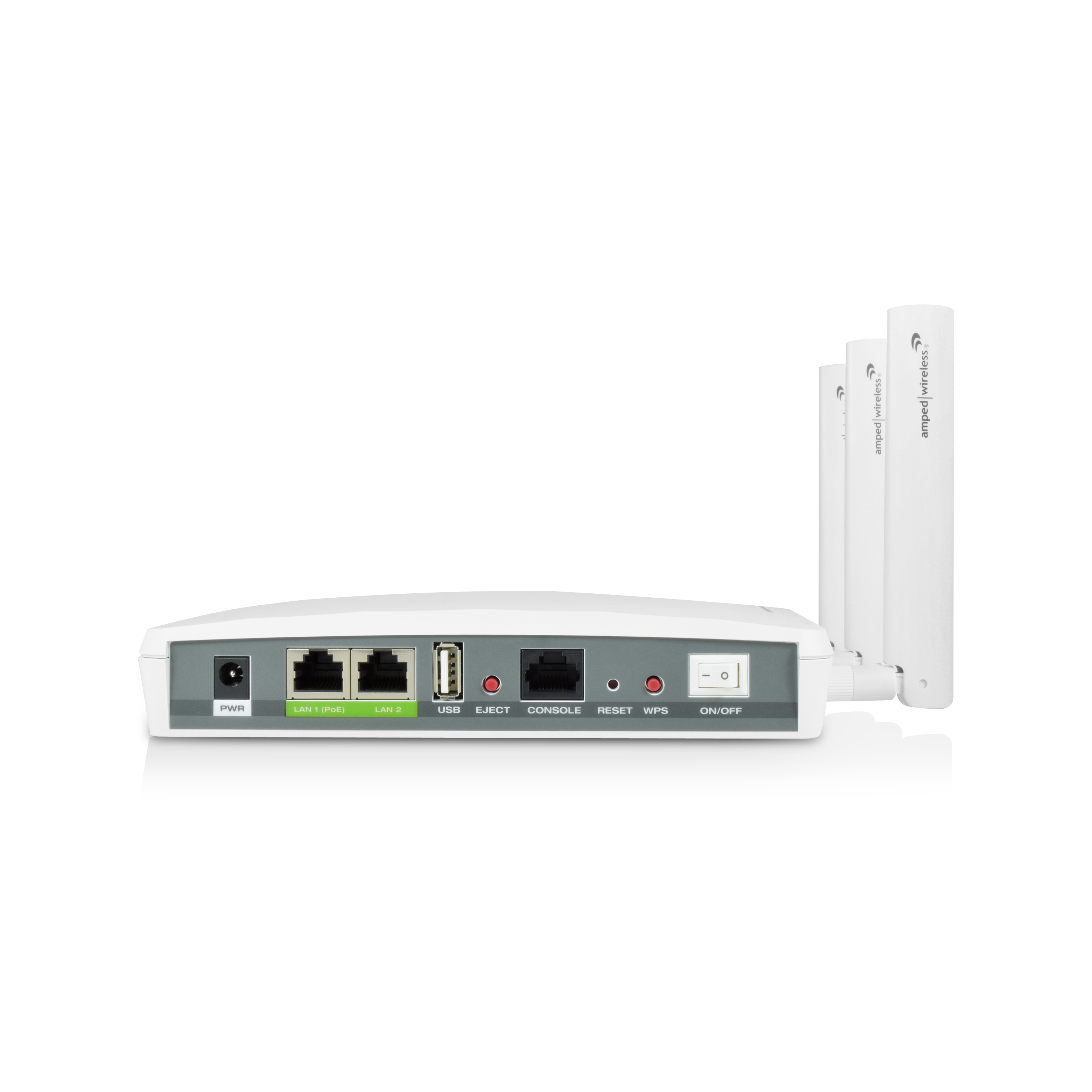
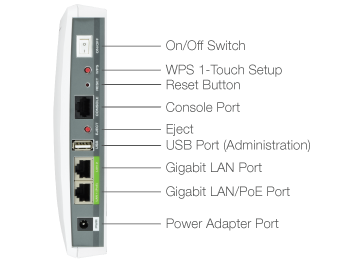
- Ports: 1 x RJ-45 10/100/1000M WAN/LAN/PoE Port
- Ports: 1 x RJ-45 10/100/1000M LAN Port
- Ports: 1 x RJ-45 Console Port
- Ports: 1 x USB 2.0 Port for Firmware Upgrades & Admin
- Power Adapter Rating: Switching Adapter, Input: 100-240v, Output: 12v, 4A
- Mounting: Desktop or Wall (Magnet)
- Mounting: Magnetic Mounting Kit Included
PACKAGE CONTENTS
- ProSeries High Power AC1750 Wi-Fi Range Extender / Bridge
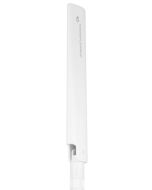
- 3 x Detachable High Gain Dual Band Antennas
- Magnetic Mounting Kit
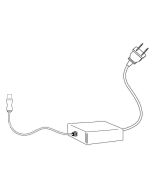
- Power Adapter (100-240v)
- RJ-45 Ethernet Cable
- Setup Guide
- CD: User’s Guide
SYSTEM REQUIREMENTS
- An available Wi-Fi network
- Computer with wired or wireless network adapter
- An access point in AP-WDS mode
Range Extender / BridgeMode
WDS-Bridge Mode
REB175P
The tips in this guide are listed in order of relevance. Try solution (a) before trying solution (b), etc.
 12 Powerful Amplifiers: Up to 8,000 sq ft of Wi-Fi Coverage
 Penetrate Walls & Eliminate Dead Spots
 Blazing-Fast AC1750 Wi-Fi Speeds
 Universal Compatibility
 More Bandwidth for More Devices
 Multiple Operational Modes = Versatility
 Create up to 30 Unique Wi-Fi Networks
 Robust Access Controls & Schedules
 Smart, Advanced Wi-Fi Security Features
 Advanced Analytics & Logs
 Smart Gigabit Ports with Power over Ethernet
 Powerful Processor for Faster Networking
 IDS: Intrusion Detection System
 Intuitive Installation Features: Magnetic Mounting & PoE
 Simple Plug & Play Setup Features
Expand any Wi-Fi network and provide business-class security
Browse the selections below to view support materials and
troubleshooting tips. The Download section provides you with firmware
upgrades or device drivers and other related software. To view the
User's Guide for your product check out the Documentation section.
If you are having problems finding what you need, contact us.
 | Firmware | Download and unzip. View Read Me.txt | 4/08/2015 |
Important: | |||
 | Setup Guide (English) | 6/16/2015 |
 | User's Guide | 6/16/2015 |
 | Datasheet | 6/16/2015 |